Platform / Dataroom
The evidence every case starts from.
Keep every TDS, SDS, CoA, certificate and test report in one place. Upload a folder at a time, confirm the suggested tags, and every agent reasons from your own documents, citing the file behind each point.
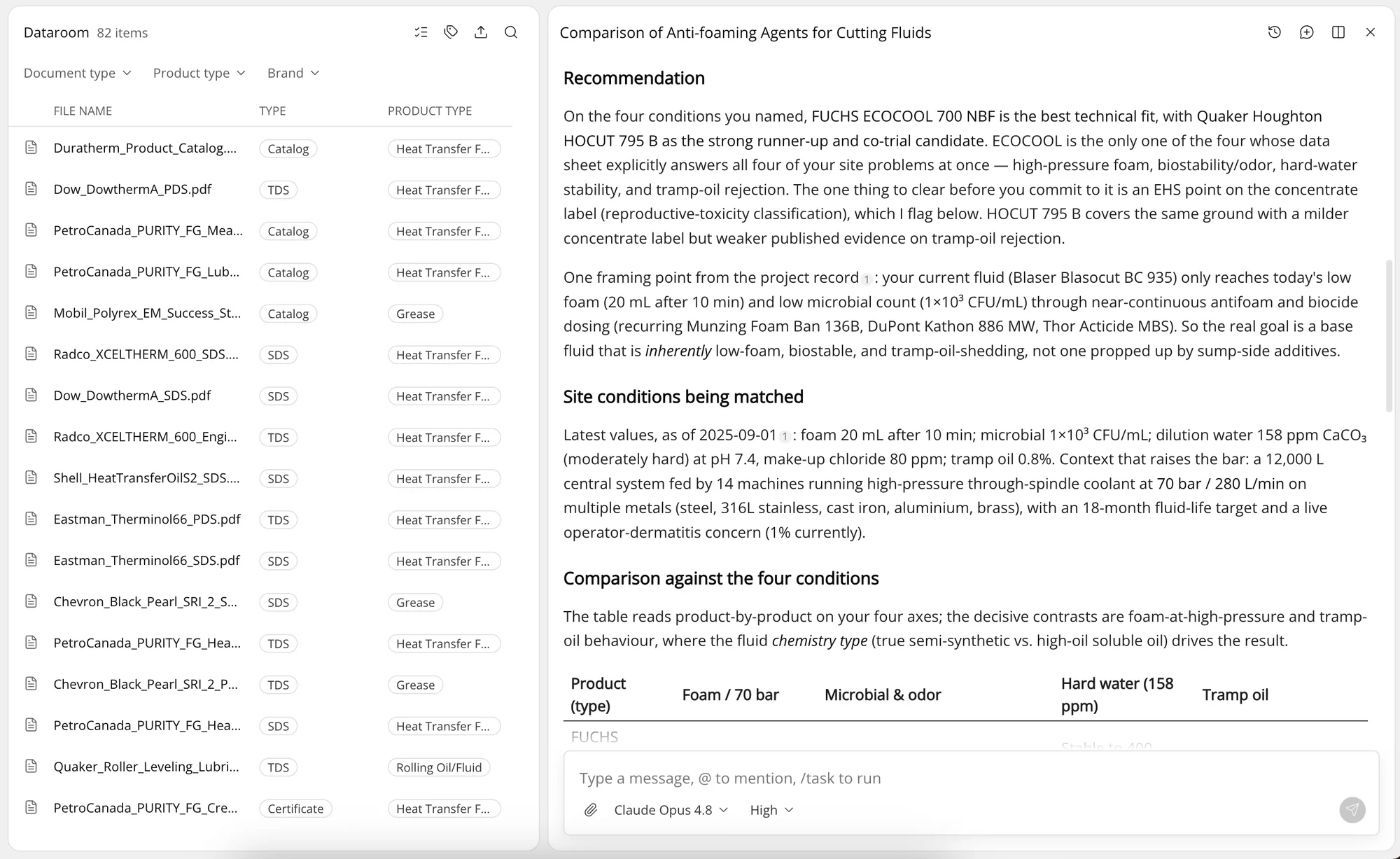
What the Dataroom does
Every document filed once, found by your team and cited by the agents.
-
Drop in files or a whole folder. Lubinpla suggests the document type, product type and brand for each file, and you confirm them.
-
Narrow by document type, product type and brand at once, or search by file name, brand or product.
-
Spelling variants of a brand are kept as aliases of one name, so every file from a principal sits together.
-
Agents search the Dataroom by type, product and brand, then read the file itself. When a step relies on a document, the point cites it with a one-line reason, so your team opens the source, not a summary.
-
An agent can file a document it has written into the Dataroom, tagged like any other.
-
Open a file to the specific customers who need it. They see it in their Field Care portal.
-
Uploading a file you already have is flagged before it is stored twice.
“We used to spend most of our time finding information and writing it up. Now Lubinpla works through the data and lays out the reasoning, so we read it and make the call.”
How teams use the Dataroom
-
Diagnose with the right sheet
Pull the TDS and the last CoA for the product on site while working through a failure.
-
Back a recommendation
Support a product recommendation with the data sheet the agent cited.
-
Check before it ships
Run a Document Package Audit on a product's TDS, SDS, CoA and certificates before they reach a customer.
-
Every principal in one place
Distributors keep each manufacturer's documents filed by brand and product type.
-
Answer document requests
Open the current SDS to the customer who asked, instead of attaching it to another email.
-
Keep R&D next to the catalog
Store test reports and bench results beside the commercial documents they relate to.
Turn technical reasoning into better results.