Platform / Field Care
Keep your customers in the loop, on your terms.
Organize every customer as an Account, invite their people, and give them one place for the documents, work logs and site records you choose to share, with a technical agent that answers from them.
For your team
Decide what each customer sees, and keep every case on record.
-
Every customer stays linked to your team through the records you share and the comments they leave.
-
Open one document or one log to one customer, and switch it off anytime.
-
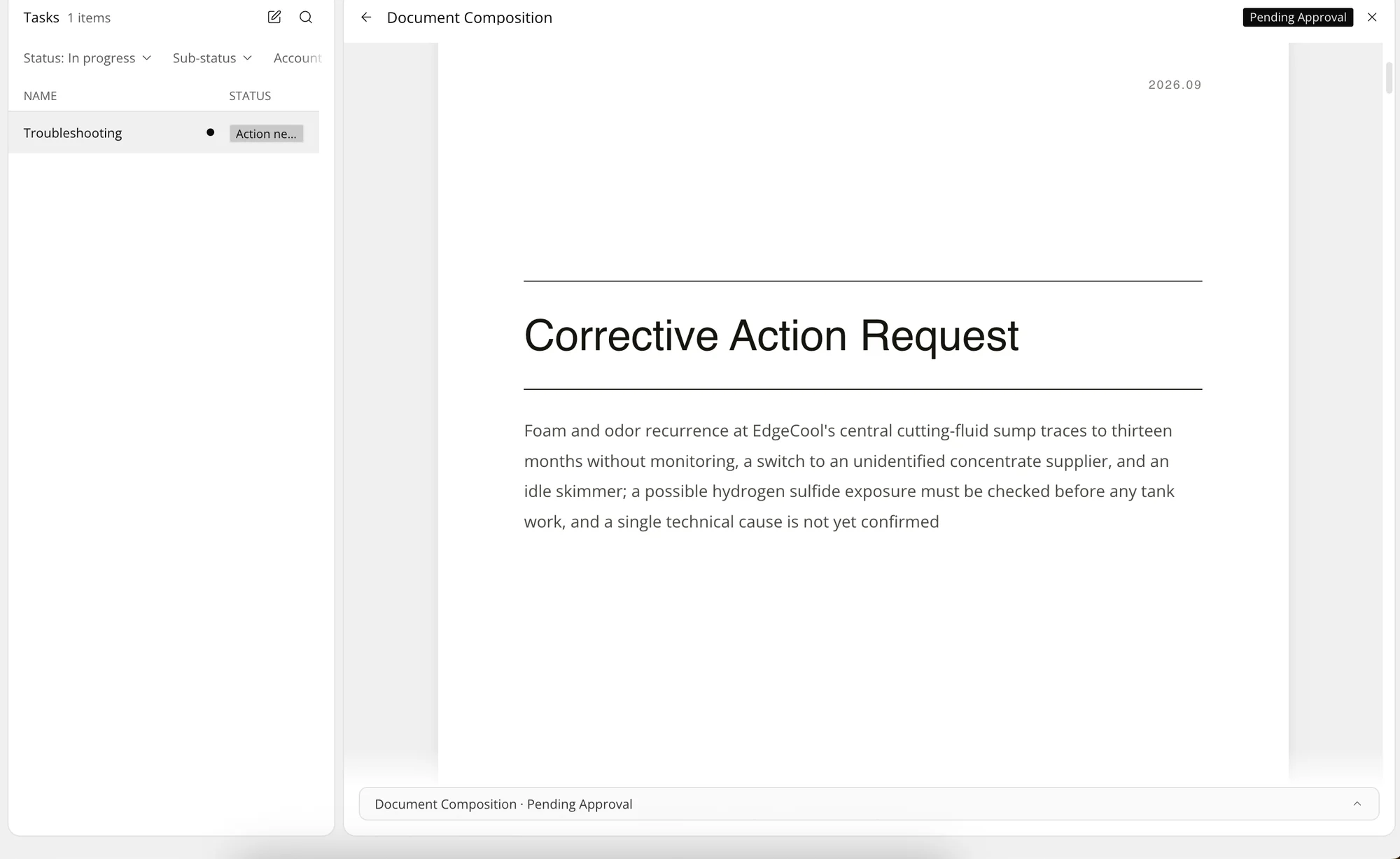
Each report your agents write is filed to the customer it is for.
-
Routine questions are answered from what you shared, so one engineer supports more sites.
-
Every visit, report and fix you delivered, in the customer's view for the next review.
For your customers
A technical expert who knows their site, between visits.
-
Ask anytime and get answers from your site's records and the documents shared with you.
-
Care built around your own sites, products and history, seen by no other customer.
-
Comment on a visit log, and your supplier's engineer sees it next to their notes.
-
Every report, data sheet and visit log from your supplier, together.
-
Your site's conditions, products and past fixes, kept in one view.
“We used to spend most of our time finding information and writing it up. Now Lubinpla works through the data and lays out the reasoning, so we read it and make the call.”
Questions about Field Care
Can a customer get the current SDS without emailing us?
Yes. Open the SDS to that customer once, and it stays in their portal, ready to download. Nothing else in your Dataroom is shown.
Can customers see our visit reports?
Only the ones you choose. Switch on a work log for that customer, and they can read it and reply beside your notes.
Can both sides follow a trial?
Yes. Share the trial records as they come in, so your team and the customer look at the same results.
What can the customer's technical agent answer?
Questions about what you have shared with them: reports, data sheets, work logs and their site records. It does not see anything you have not shared.
Can we show that a corrective action was carried out?
Yes. Share the corrective action request and the work logs that record the actions, and the customer sees both in one place.
How do customers get access?
Invite a contact from their account. The link stays valid for 72 hours, and a contact who already has a login simply gains your company's space.
Do invited customers need a paid seat?
No. Customer contacts you invite are always free.
See pricingCan one customer see another customer's records?
No. Each customer sees only what belongs to their own account.
How we protect your dataTurn technical reasoning into better results.